What changes
A draft the moment you press Start. It is built from your club’s name, how many courts you have, what you run and what it costs. A page with nothing behind it starts switched off, so a club with no lessons gets no Coaching page.
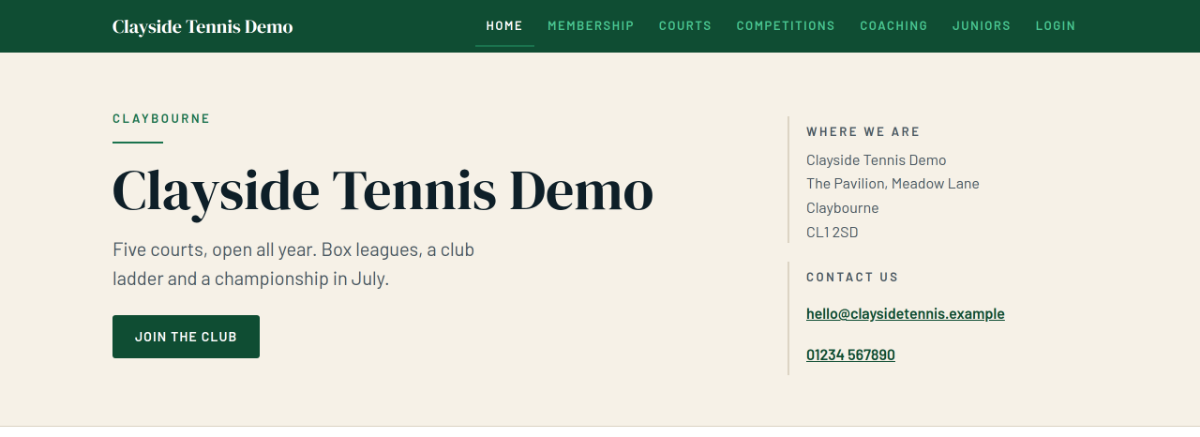
| Page | What is on it | Who keeps it up to date |
|---|---|---|
| Home | One line, a picture, your badge, and the blocks you choose | You, in your own words |
| Membership | Your categories and what they cost | Reads off your club |
| Courts | Your courts and when they are open | Reads off your club |
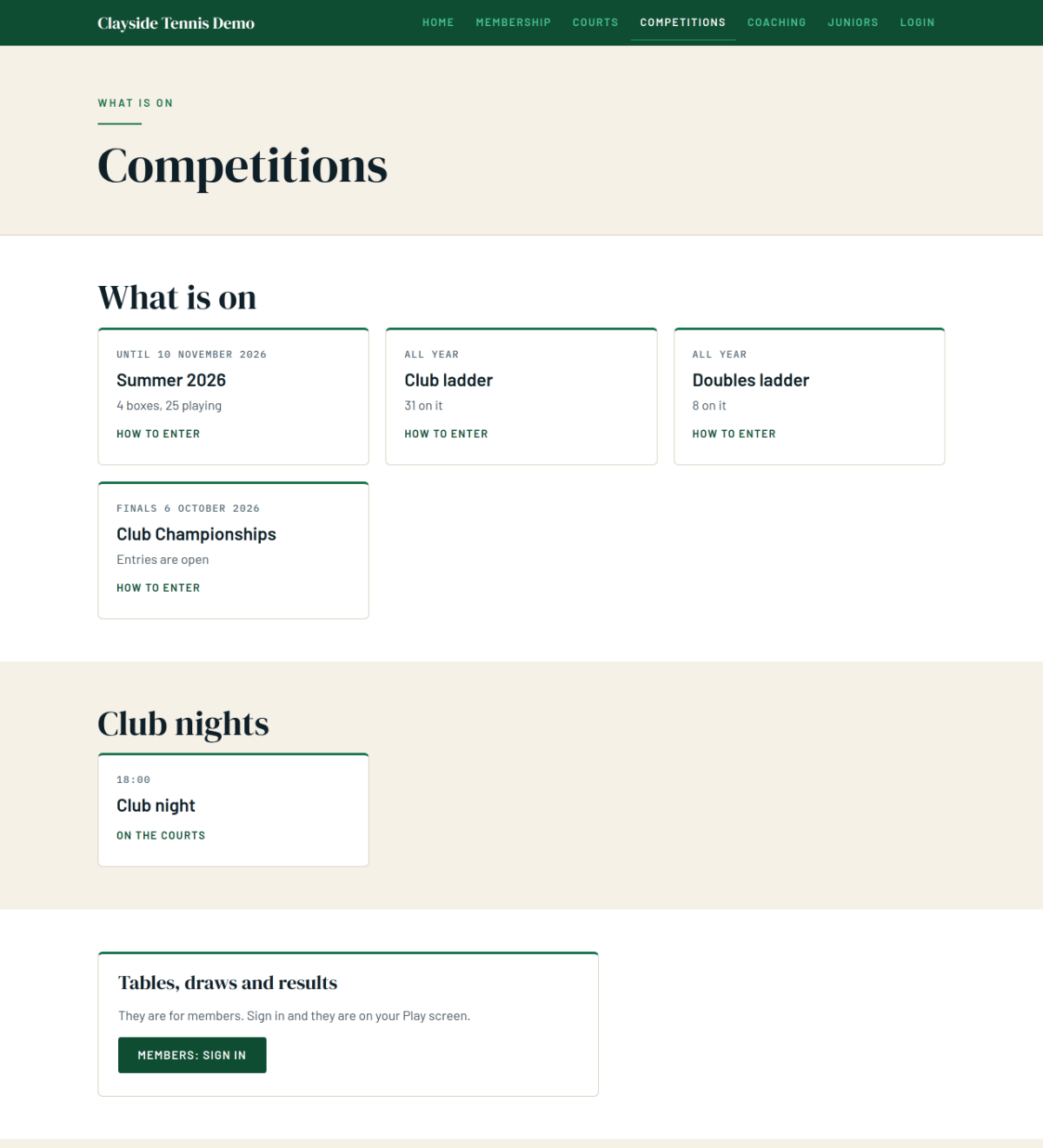
| Competitions | What your club runs | Reads off your club |
| Coaching | Your coaches and what they offer | Reads off your club |
| News, photos and documents | Posts, pictures, rules and minutes | You, when there is something new |
Pages that write themselves. Membership, Courts, Competitions and Coaching read straight off your club every time somebody opens them. Put next year’s subscription up and the Membership page shows it the same day.
Pages of your own. Add a page gives you Juniors, Our history or whatever else your club needs. Its address stays put when you rename it, so a link you handed out goes on working.
News that does not go stale. Write a title and a few lines and press Post it. One tick sends the same words to your members as well. A club that stops posting has News taken off the home page rather than showing old posts.
Photos and documents. Every photo is uploaded with a tick saying the people in it are happy for the club to publish it. Without the tick it is never shown. Your rules, minutes and safeguarding policy go on whichever page they belong to.
Nobody’s name on it. No member is named on any page: not a table, not a draw, not a booking, not a result. The one exception is a card saying who to ask, which your club writes on purpose.
Publishing, and taking it down. Nothing is public until somebody presses Publish, and the screen lists what changes before the button. Take it down and nothing is deleted.
Where to find it
On a club plan, open Club, then Website, and press Start. The owner, the secretary and anybody on the committee can work on it, and the first publish is the owner’s.